[ad_1]
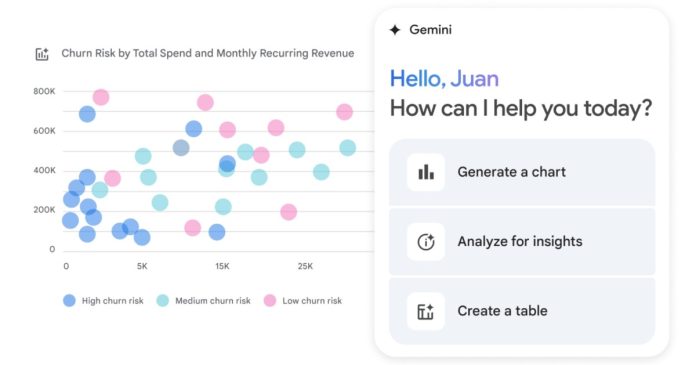
What’s happened? Alphabet-owned tech giant Google has just announced a major upgrade to Google Sheets: the introduction of automated, agentic AI experiences powered by its Gemini assistant.
- Gemini can now carry out complex, multi-step tasks, such as formatting, data cleaning, and structural edits—all in a single go.
- All you have to do is describe the task using simple, text-based commands.
- With its growing library of supported actions—including formatting, data manipulation, structure editing, and filtering—Gemini executes these tasks efficiently and accurately.
Why is this important? While similar AI features have already been integrated into Google Docs and Gmail through Google Workspace, the addition of multi-step automation in Google Sheets marks a significant productivity boost.
- A large number of Google Sheets users who handle routine spreadsheet work, such as project managers, financial analysts, and educators, will benefit from this feature.
- Even individual users will see value in the feature, spending less time “wrestling” with spreadsheets and more time making informed, result-driven decisions.
- It’s worth mentioning that the AI agent Claude can perform these tasks, such as editing an Excel sheet even without opening the file.
Why should I care? If you work with Google Sheets daily—especially handling large datasets with hundreds of rows and multiple columns—this upgrade could drastically reduce the time and effort needed for routine tasks.
- For instance, an editor can now ask Gemini in the writer performance tracker sheet to remove all the empty rows, sort the entries in ascending order with respect to time, insert a new column to mark a story as important (there are quite a few of them), and freeze the header row for easy viewing.
- All of this can be done in a single prompt using the Gemini sidebar in Sheets, and within seconds, the assistant completes the tasks.
OK, what’s next? While the new Google Sheets upgrade sounds impressive, it isn’t available for non-paying individual users. For now, only Business Standard/Plus, Enterprise Standard/Plus, and Google AI Pro for Education subscribers have access to Gemini multi-step editing in Sheets. Individual users on the free plan will either have to wait or upgrade to gain access to the powerful multi-step editing features
[ad_2]